Safe Multisig Wallets
You can use Monarch with a Safe multisig in two ways: choose Safe from Monarch's connect menu, or add Monarch as a custom Safe App inside Safe.
Connect from Monarch
Use this when you want to start in Monarch and connect your Safe as the wallet.
- Open Monarch.
- Select Connect wallet.
- Choose Safe from the connect menu.
- Safe should open with a wallet connection request for your Safe account.
- Approve the connection in Safe and return to Monarch. Transactions you start in Monarch will be sent to Safe for the multisig owners to review and execute.
This flow may not work reliably in Brave. If the Safe connection request does not open, use the custom Safe App flow below.
Add Monarch as a custom Safe App
Use this when you want Monarch to open directly inside Safe.
Open Safe and select your Safe account.
Go to Apps.
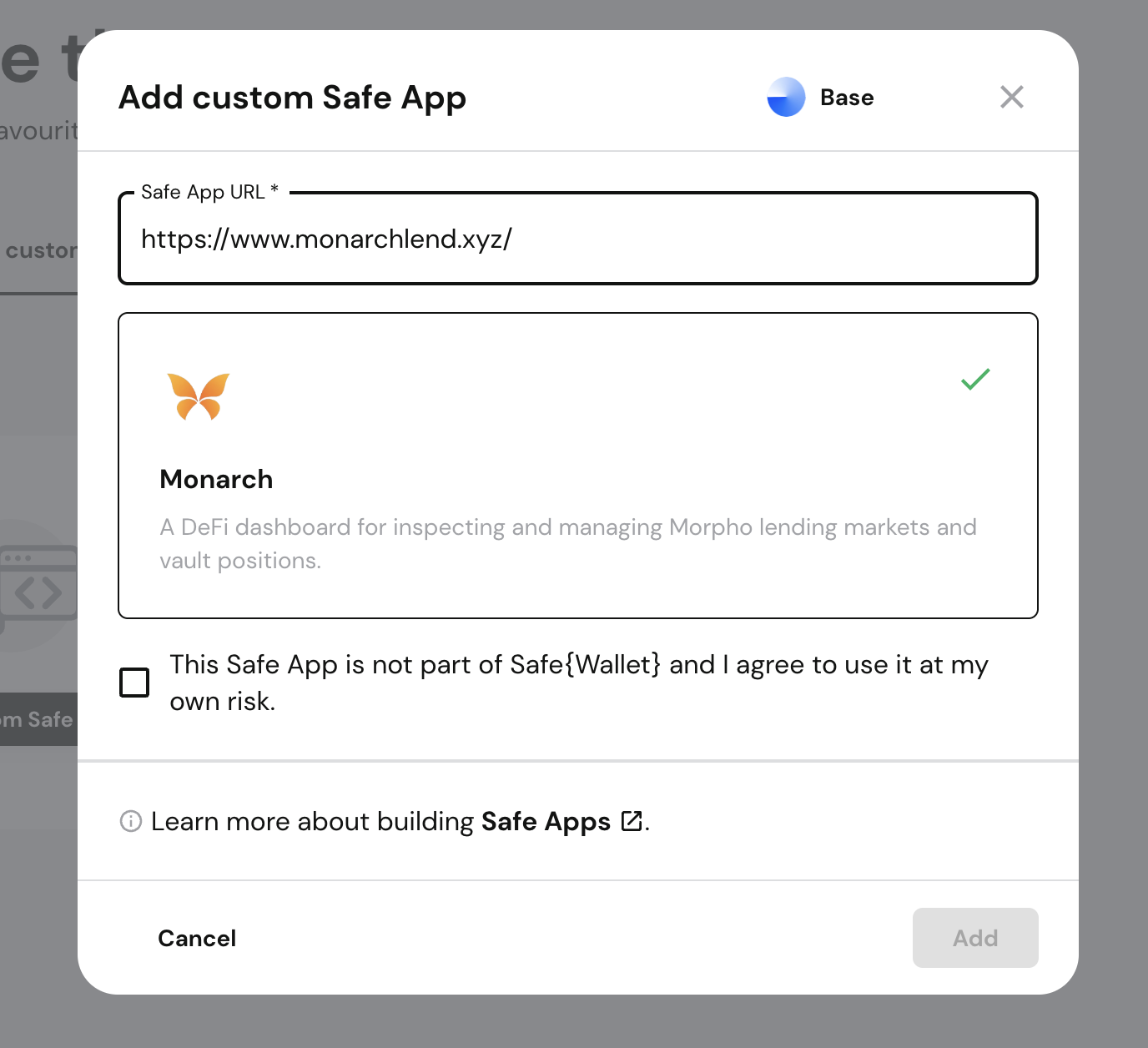
Open Add custom app.
Enter the Monarch app URL:
texthttps://www.monarchlend.xyz/Review the app preview, accept the custom-app warning, and click Add.
Open Monarch from the Safe Apps list. Transactions started from the embedded Monarch app will be proposed from your Safe.